User Guide
Invite The Bot
Tulpje can be invited to your server using the following link: Add To Discord
Permissions
What permissions the bot requests and why
- View Channels: required to do anything with channels
- Manage Channels: needed to set up fronter category and notification channel
- Manage Roles: needed to set up member roles
- Create/Manage Expressions: needed to create emojis
- Send Messages: bot responses and front change notifications
- Read Message History: used to track emoji usage in messages
- Embed Links: some of the bot's responses are considered embed links
Commands
Emojis
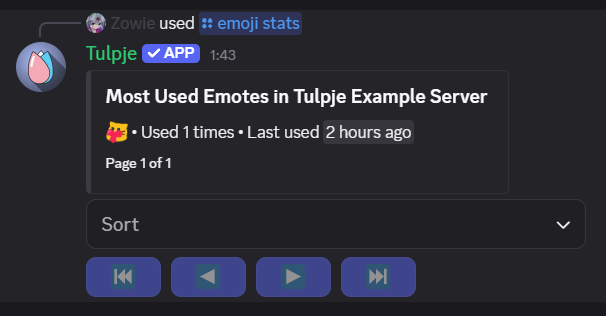
/emoji stats
Shows the usage stats of your servers emojis in the server
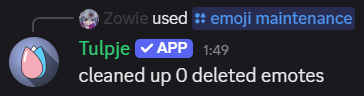
/emoji maintenance
Cleans up any emoji you have since deleted from your server. Under normal circumstances you shouldn't have to run this
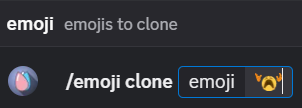
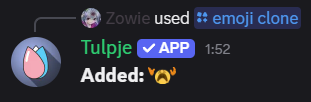
/emoji clone
Copy the specified emojis to this server
PluralKit
To make use of any of the PluralKit modules you have to
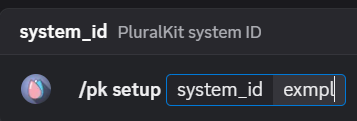
set it up first using /pk setup
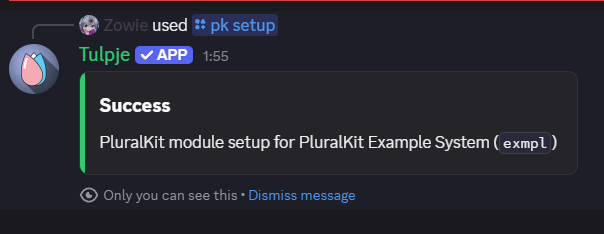
/pk setup
Configures the bot for use with your PluralKit system
Fronter Category
Set up a category in the current server that displays the fronters for the
system specified in /pk setup
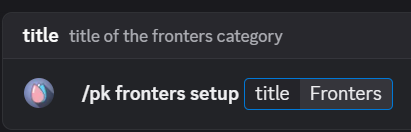
/pk fronters setup
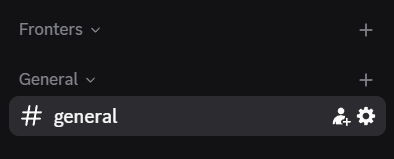
Creates a category in your server that'll contain the list of fronters
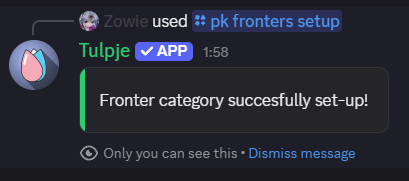
After running the command you should now have a new category:
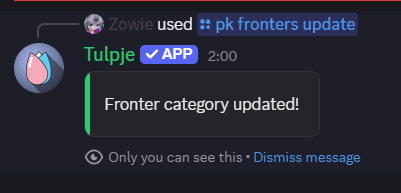
/pk fronters update
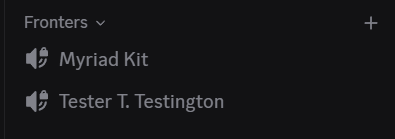
Manually updates the list of fronters in your server, in case automatic updates aren't working
After updating your fronters should be listed under category:
⚠️ Warning ⚠️
Any channels you add to the category your fronters are in will get deleted the next time the bot updates them.
Front Notifications
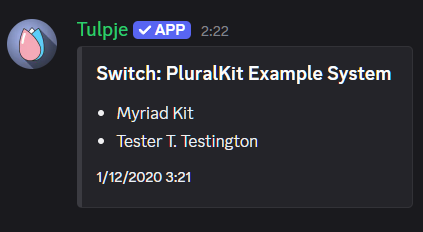
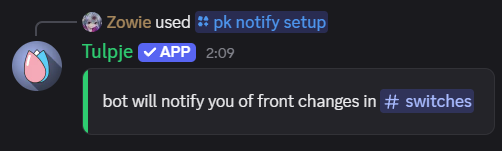
Allows you to follow systems and have notifications sent in a channel in the current server whenever a system's fronters change
Here's an example notification:
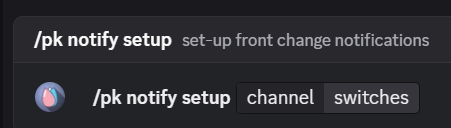
/pk notify setup
Configure a channel to receive switch notifications in
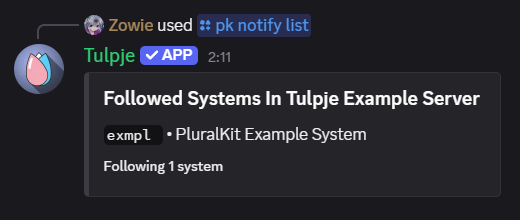
/pk notify list
List the systems you're currently receiving switch notifications for
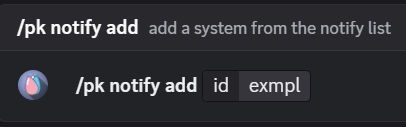
/pk notify add
Add a system to receive switch notifications for
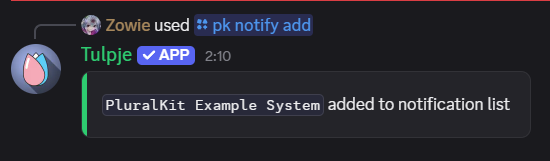
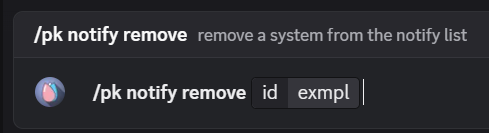
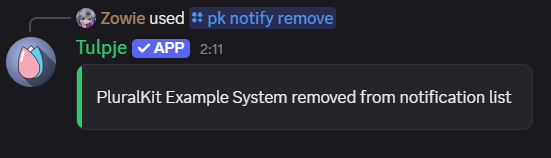
/pk notify remove
Remove a system you no longer wanna receive switch notifications for
System Member Roles
Creates a role for each system member in this server, and assigns them to the user
that ran /pk setup to allow mentioning individual system members
/pk roles update
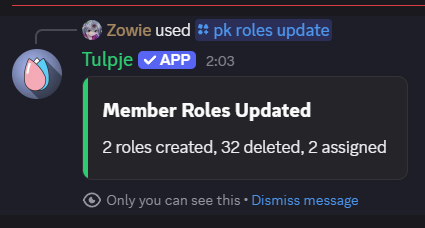
Creates roles in the discord for each individual member of your system. All of these will be assigned to you so individual members can be mentioned. You can optionally specify your PluralKit token to also add private members.
⚠️ Warning ⚠️
Currently there's no way to delete the created roles so if you end up disliking them it might take some effort to remove them
You'll get a summary after updating roles completes
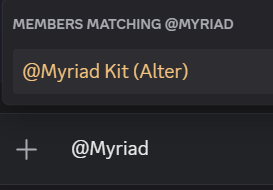
Others in the server can then mention the system member
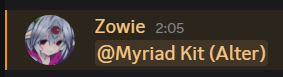
And you get pinged when they do
Other Commands
/stats• show bot statistics/info processes• detailed bot process stats/info shards• detailed bot shard stats